
UW-Parkside
Parkside is a student-centered university offering undergraduate, graduate, and associate degree programs. Our students' success is our success.
You might be eligible for free tuition!
INTEREST FORM

INVESTING IN YOU!
Choosing a college is all about the fit – with the people, place, and programs. At Parkside, you’ll find challenging academics, a diverse student body, a beautiful location, a variety of activities, a mix of online and in-person classes, and faculty and staff who want to help you succeed.
Discover who you want to be.
YOU CAN AFFORD COLLEGE
Quality, Affordability, and Support
TUITION PROMISE PROGRAMS
Free tuition is available for qualified students.
LEARN MORE!
NONRESIDENT TUITION ASSISTANCE
Live outside of Wisconsin? You may be eligible for a discounted rate.
LEARN MORE!
ACADEMIC EXCELLENCE
Your journey starts here. Whether you're a focused future major or an open-minded explorer, we’ll help you discover your unique path. Our dedicated advisors will work with you to find the academic programs that match your interests and goals.


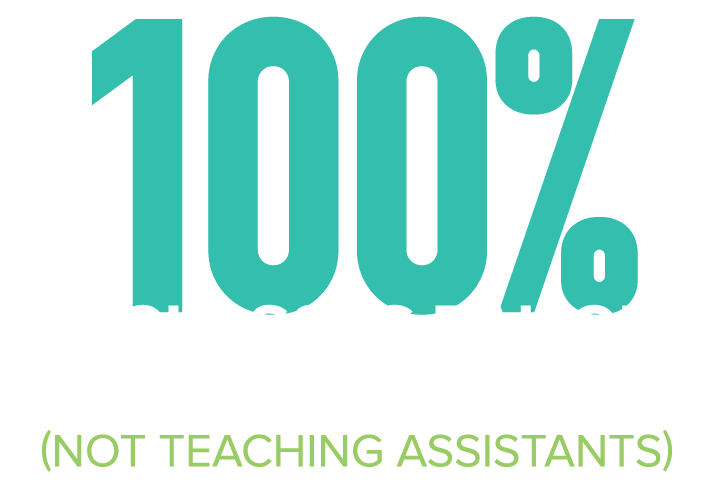
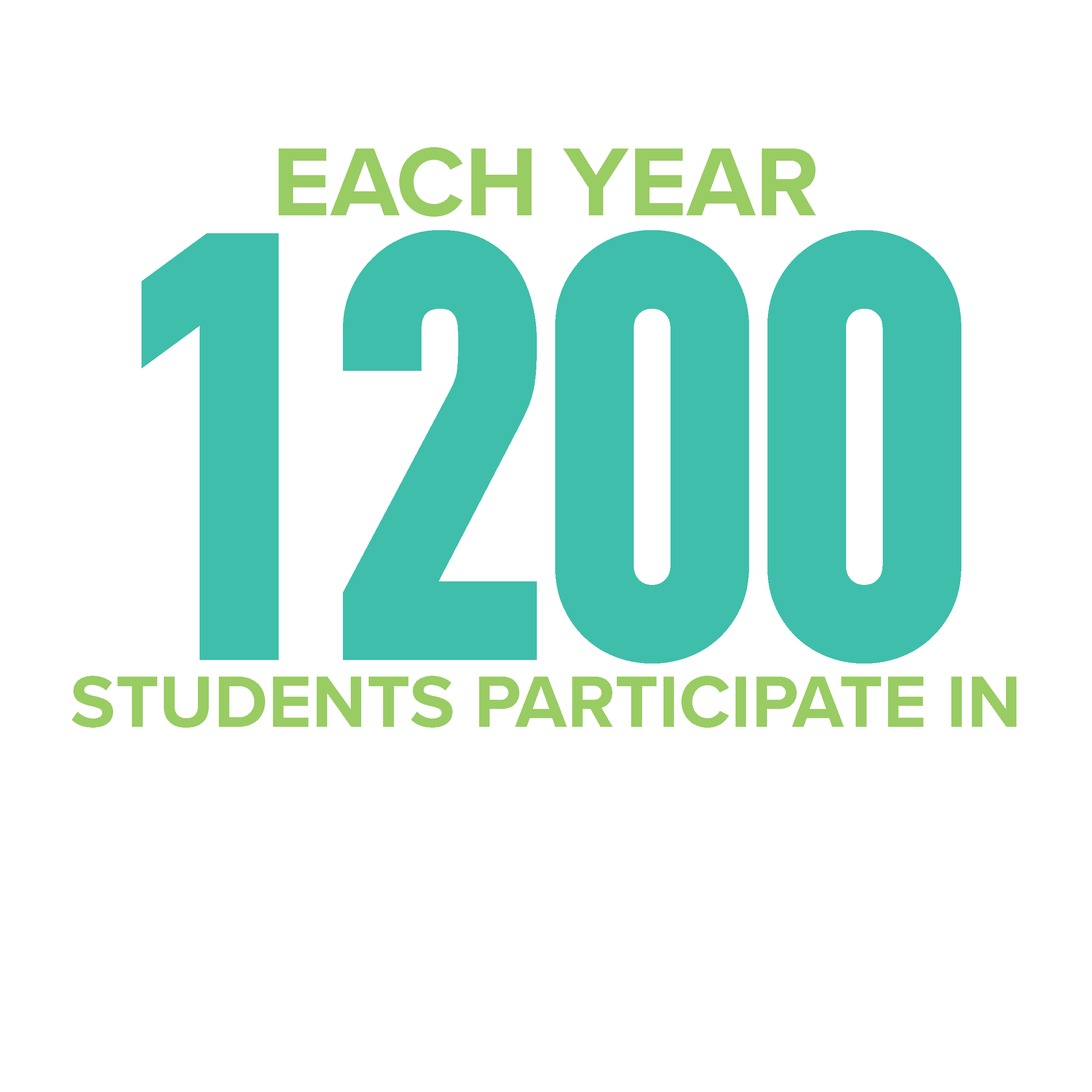
ADD A LITTLE ADVENTURE to your education! At Parkside, you'll have plenty of opportunity to grow your professional skills, while you develop into your best you.


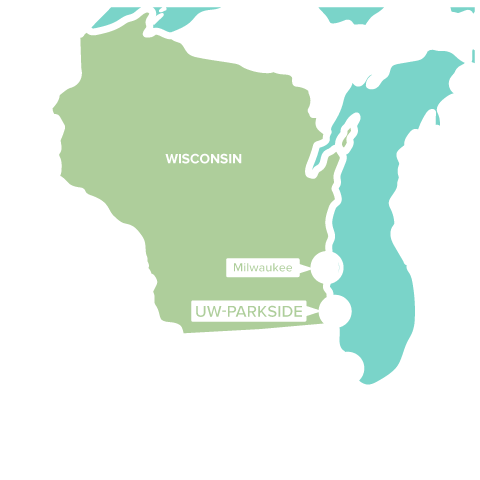
AMAZING LOCATION
Not only does our campus offer natural beauty in a park-like setting near Lake Michigan, it’s also located in the epicenter of the mega region between two of the Midwest’s most exciting cities. Explore the amazing cultural, social, and educational opportunities these cities provide to enhance your overall college experience!



Campus Events and News
AI in Action: Practical AI Solutions for Growing Businesses and Organizations










LIVING ON CAMPUS in residence halls, apartments, or suites puts you right in the heart of the Parkside community -- minutes away from every building and activity on campus. Plus, by living with other students, you’ll be ready to make positive connections, have friends readily available down the hall, and enjoy sharing community events.
STUDENTS WHO LIVE ON CAMPUS TEND TO HAVE A…



LIFE BEYOND THE CLASSROOM at Parkside offers multiple ways to get involved, gain leadership skills, and make a positive difference.You'll find over 50 student organizations, clubs, and intramural sports activities. Add skills, new people, and a good dose of fun to your Parkside experience by getting involved.
VIBRANT CAMPUS COMMUNITY
50+
Clubs and Organizations
ACADEMIC | LIFESTYLE |
CULTURAL | RECREATIONAL |
GREEK | SERVICE |
LEADERSHIP | SPIRITUAL |