
Getting Started With Digital Accessibility
Getting Started With Digital Accessibility
Digital accessibility is a shared responsibility across the entire university community. Removing outdated or unused digital content helps reduce the additional effort required to make that material accessible. By updating your existing content, you contribute to creating a more inclusive and accessible experience for everyone. Whenever possible, choose media with closed captions and materials designed to be digitally accessible from the start. It’s not only the right thing to do—it’s also simpler than you might expect.
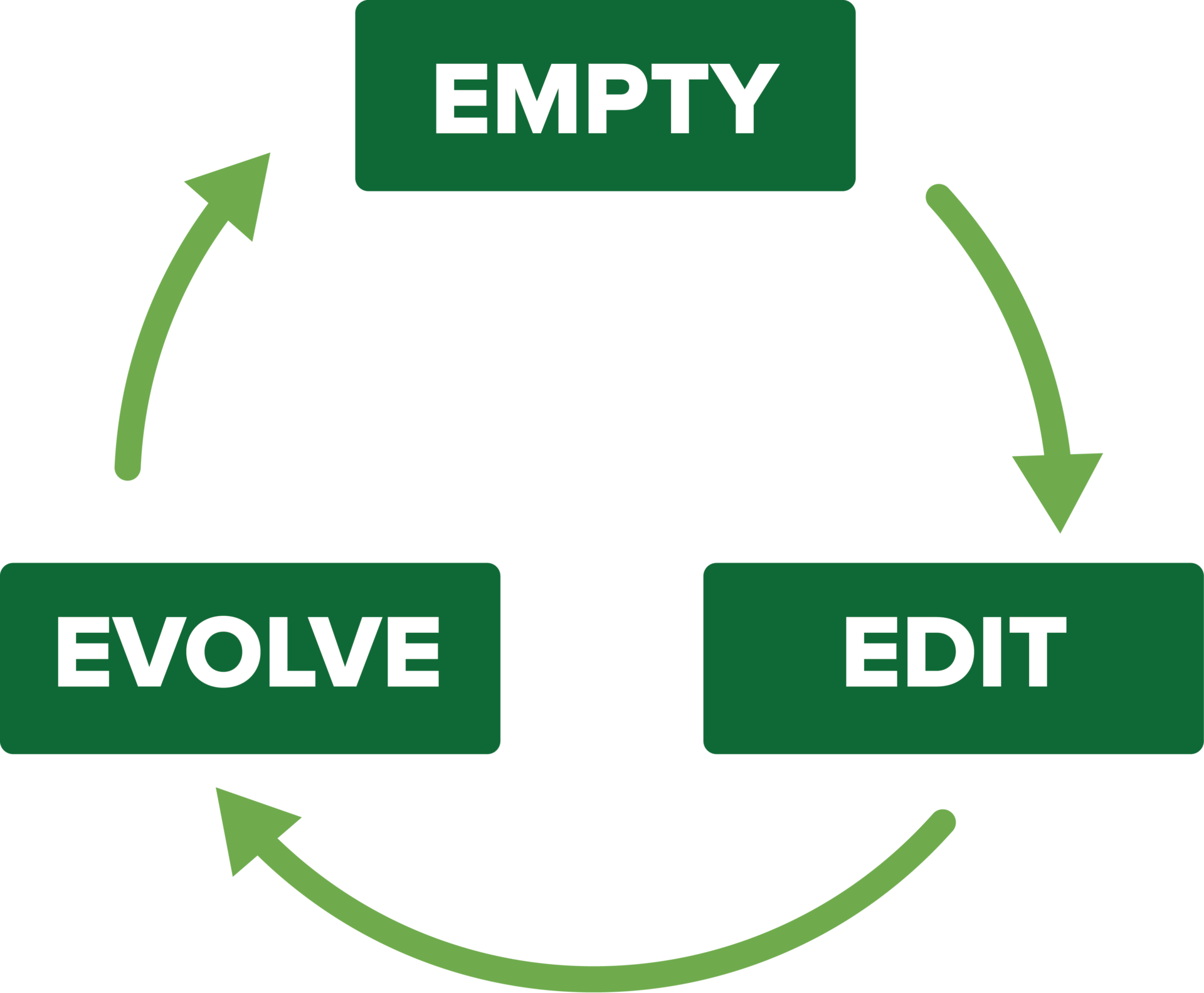
The Three E’s: Empty, Edit, Evolve
Empty
Empty unused content from your digital storage spaces such as Canvas courses and SharePoint to reduce the number of files that need to be edited.
Edit
Edit the remaining content to meet accessibility guidelines.
Evolve
Create all new digital content with accessibility in mind moving forward.
7 Pillars of Accessibility
No matter your role at the university, you can cultivate a more inclusive, accessible, and equitable community. We encourage you to start by learning the 7 pillars of accessibility that apply to content created in all digital formats. Note that all of these skills are taught in the Digital Accessibility Training Courses that you can access further down on this page.
Add alternative text, or “alt text,” to every meaningful image in digital content.
Write links that are concise, descriptive, and meaningful out of context.
Include closed captions and a transcript of the audio for videos and audio recordings.
Make sure foreground and background colors and other visual indicators contrast each other.
Present key concepts, sequences, and like items of more than two as lists where possible.
Structure your digital content with paragraph styles in documents or heading tags in web pages.
Simplify tables and include a header row and/or column and a summary, either in a caption or alt text.
Digital Accessibility Training Courses
UW-Parkside employees choose to complete one of three a Canvas-based training courses about understanding and creating accessible digital content based on their role at the university. Those who successfully complete the course will receive a digital badge.
Follow the link below to self-enroll in your course of choice. There is significant overlap between the three courses so it is recommended to choose the version that best fits your needs.
Digital Accessibility Champions
Digital Accessibility Champions are experts in particular digital content areas who are able to help Parkside employees with questions about making accessible content. Digital Accessibility Champions cannot make your content accessible for you, but they can help you better understand how to remediate your own content.
| Software | Accessibility Champion | Email Address |
| Website | Catherine Mantuano | mantuano@uwp.edu |
| Social Media | Andrea Schulner | schulner@uwp.edu |
| Canvas | Center for Excellence in Inclusive Teaching & Learning | ceitl@uwp.edu |
| Navigate | Marie Smith | smithm0@uwp.edu |
| Electronic Documents | Service Desk/Tech Bar | servicedesk@uwp.edu |
| Sharepoint | Service Desk/Tech Bar | servicedesk@uwp.edu |
| Video Captioning | Center for Excellence in Inclusive Teaching & Learning | ceitl@uwp.edu |
| Textbooks/e-Textbooks | Student Accessibility Services | sas@uwp.edu |
| Adaptive Technology | Student Accessibility Services | sas@uwp.edu |
| Athletics | CJ Selner | selner@uwp.edu |